
How do I set the view of the video? Answered

Hi,
I was running a 3D simulation and was wondering how to set the camera view of the result.
As you can see in the figure below, the result is showing all xyz axes.
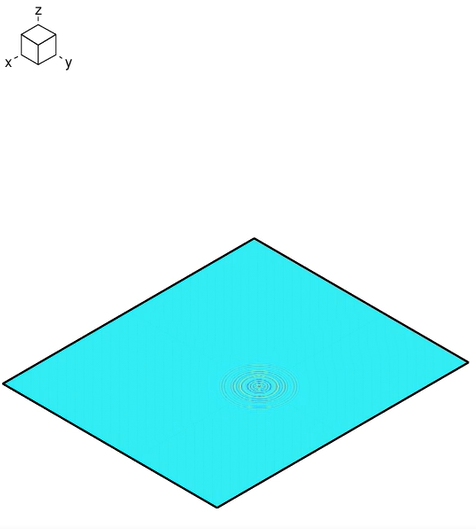
However, I want to see the figure from the top (z-axis) so that I can see only x and y axes.
Could you tell me which part I have to change from the code below?
grph
nvew 2 2
line on
set imag avi 100

proc plot save
exec 15
grph
bbox user $x1 $x7 $y1 $y7 $z1 $z1
plot aprs
plot dgap
imag
end$ proc
proc plot 100
term
Thank you,
Parks
1 comment
Hi Parks,
You can use the GRPH EYE and GRPH VERT commands to control the camera oreintaton.
Best regards,
Oliver
Please sign in to leave a comment.
Didn't find what you were looking for?
New post